Welcome To Mindvalley All Access

Congratulations on taking your first step towards becoming truly extraordinary in your life and being.

In addition you’ll have access to:

  • Mindvalley’s entire vault of Quests (this excludes partner programs; Lifebook, Wildfit, Unlimited Abundance & Little Humans)
  • 100+ hours of curated online Mindvalley Mentoring sessions
  • Mindvalley’s new Connections App

  • Invitation to live event exclusive to All Access community
  • Weekly live calls and trainings with Mindvalley’s best teachers & special guests
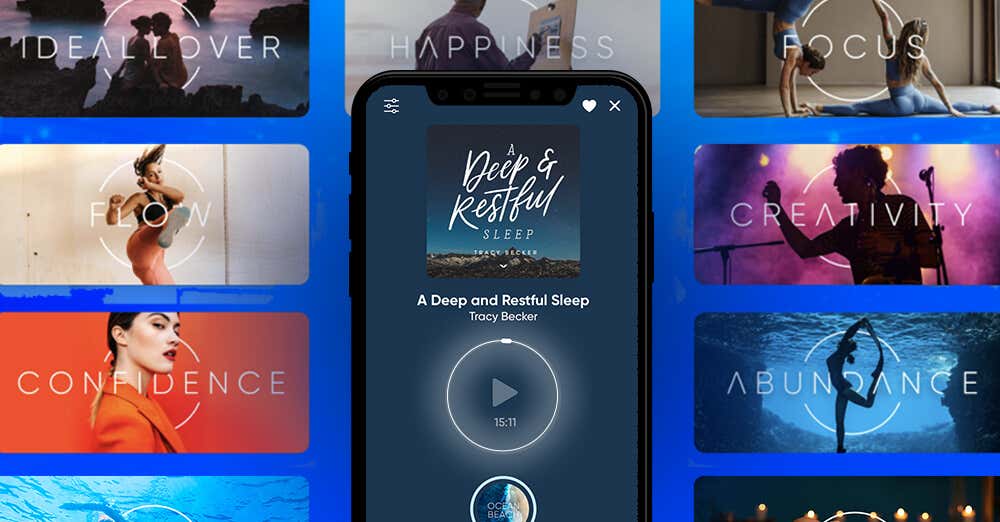
  • Advanced meditation tools for Quests on Omvana

  • And more to come!

  • Your subscription lasts an entire year, and during this time you’ll have unlimited, 24/7 access.

Not Sure How To Use Quest?

Learn more in the video below

Here’s How To Get Started In A Few Easy Steps:

Step 1

Log In.
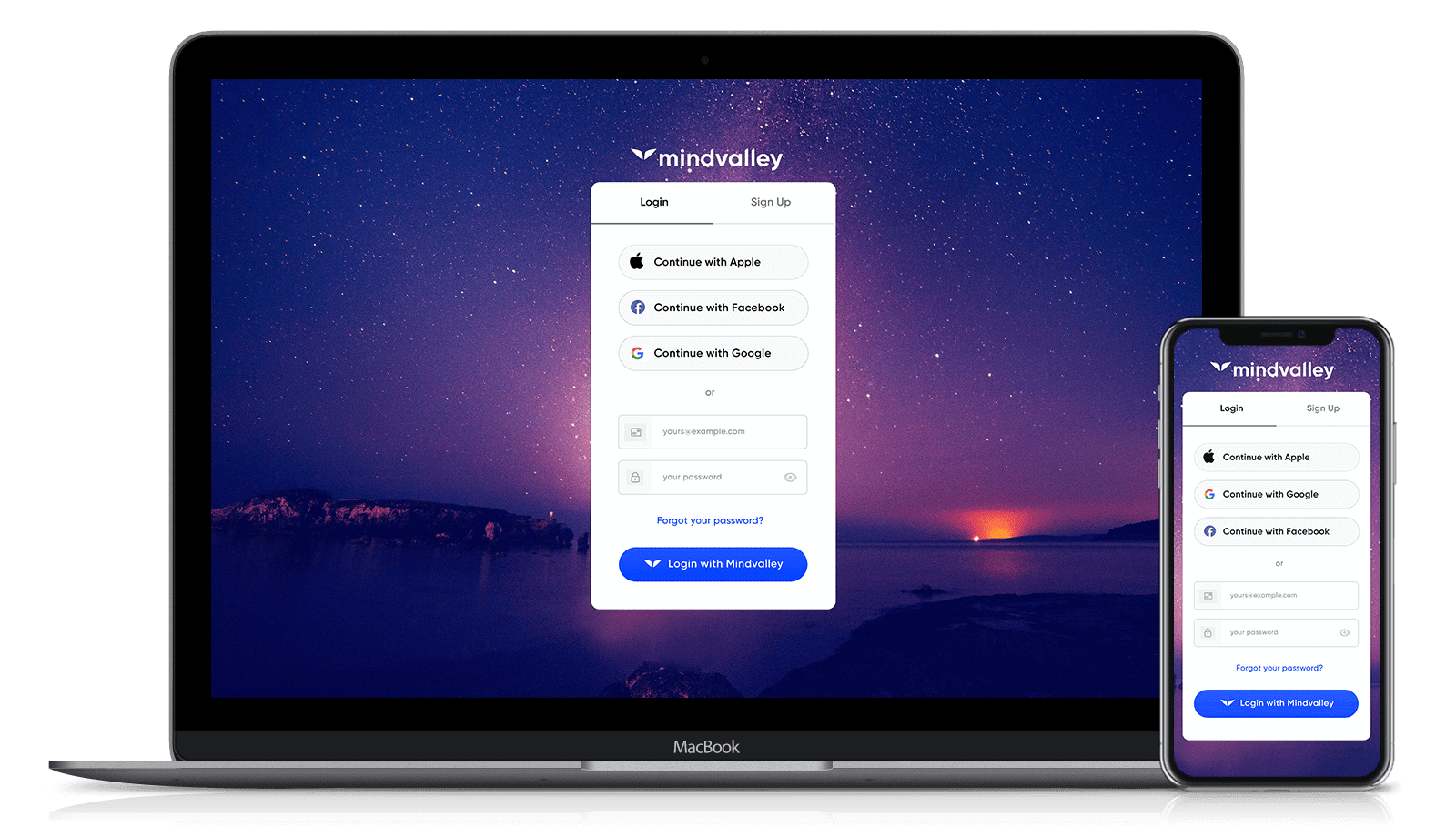
Quest on Desktop and Smartphone
download on the app store
get it on google play icon

You can access your Quest through the Mindvalley mobile app. It’s available on the Apple App Store and Google Play, just search for ‘Mindvalley’ or use the links above. Or binge watch the quests on Apple TV. You can also access our platform through desktop by visiting home.mindvalley.com.

Login with your regular Mindvalley email and password. Check your inbox for our email with the subject line:

“Welcome to Mindvalley! Here are your login details.”

If you need to reset your password, please review this article.

Didn’t receive email? Click here.

Login here

Step 2

How To Begin Your First Quest.

Program enroll selection on devices

In order to start your quest, follow the simple steps below:

  1. Go to My Programs
  2. Scroll down to the My Programs section
  3. Click on All My Programs filter and select Programs I Can Start
  4. Find your program and click on it
  5. Click on Select Start Date
  6. Choose your starting date and Begin

Important

Simply click the 'Select Start Date' button, select your upcoming date and confirm. Kindly take the action at least 1 day before the program starts to start up with Warm Up Content of Your Quest.

Step 3

How To Access Mindvalley Mentoring.

Mindvalley Mentoring on Platform

To access the entire vault of Mindvalley Mentoring episodes, follow these simple steps:

  1. Go to Channels
  2. Scroll down to ‘Mindvalley Mentoring
  3. Click on Show all episodes
  4. From this page you can access all Mentoring episodes and watch the ones you are interested in

Step 4

Life Assessment & Recommendations Engine.

User on Mindvalley Life Assessment on a laptop

There are dozens of Quests to choose from in Mindvalley All Access - each with their own unique objective. Before beginning your All Access journey, we highly recommend taking the Lifebook Assessment: an eye-opening and highly-effective tool that helps you discover which Quests to take first depending on your ‘Category of Focus’.

Take the Assessment Get Recommendations

Step 5

Join Our Next Orientation Call.

User on Mindvalley Life Assessment on a laptop

New to All Access? You’re invited to join us for an Introductory Orientation Call, which takes place every second Thursday at 8AM PST/11AM EST. Check here for exact time and details.

Here we’ll guide you through exactly where to start in your All Access experience, as well as all the incredible tools and features available to you as part of your membership. You’ll also come together with other All Access students who are starting out on the same journey as you.

Step 6

Connections by Mindvalley.

User on Mindvalley Life Assessment on a laptop

Meet like-minded Mindvalley students in your local area and take your connection game to the next level.

Use the app to create local events to meet other people, join Zoom meetings and classes and connect with like-minded souls.

On the app you can...

  • Connect and make friends with like-minded members
  • Connect with Mindvalley Authors
  • Create and attend events with the Mindvalley Community
  • Search for people based on the city, industry or job title
Download on the App Store Icon
Get it on Google Play Icon

How To Get The Most Out of All Access

Browse Available & Upcoming Quests

New Quests are added to your account each year — so you’ve always got something new to learn. View the Catalogue to see what Quests are available to you now, and what new Quests are coming your way.

Quest Covers
You’re Invited To Mindvalley University

Available exclusively for All Access members, our 21-Day Global Campus for transformational learning, takes place in a spectacular new city each year, alongside a world-class global community.

Mindvalley University
Community Learning

Every Quest has it’s very own exclusive community where you can connect and interact with other students who are starting out on the same journey as you. Here you can share valuable insights, knowledge and learnings with fellow students.

Community Learning
Mindvalley University Virtual

Join Mindvalley University Virtual — a week-long virtual event that takes place three times a year, featuring online talks, masterminds and sessions designed to help us connect more deeply with those around us.

Mindvalley University
Unlock Your Highest Performance with Omvana

Access hundreds of beautifully crafted meditation tracks for all levels. Omvana’s goal is not to get you better at meditation – It’s about getting you better at life. With an ever-growing library of tracks, discover soothing meditations for every aspect of living.

Community Learning
Download on the App Store Icon
Get it on Google Play Icon
Join Weekly Live Calls

Almost each week we’re hosting 2-3 Live Q&As and trainings with legendary teachers and authors. To view what’s coming up at Mindvalley and find the link to join the Zoom calls check out the calendar.

Live Calls

Additional Tools & Resources:

Download Mindvalley App

download on the app store
get it on apple tv
get it on google play icon
phone image

Follow Mindvalley All Access on Instagram

Instagram Image 01
Instagram Image 02
Instagram Image 03
Instagram Image 04
Instagram Image 05
Instagram Image 06